
On Sale Products
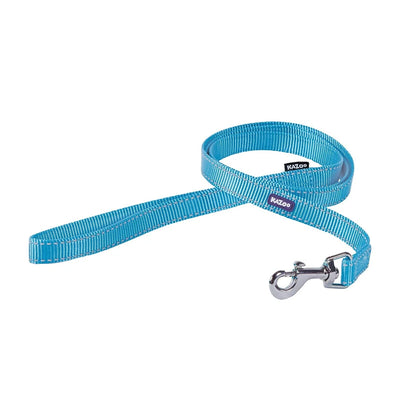
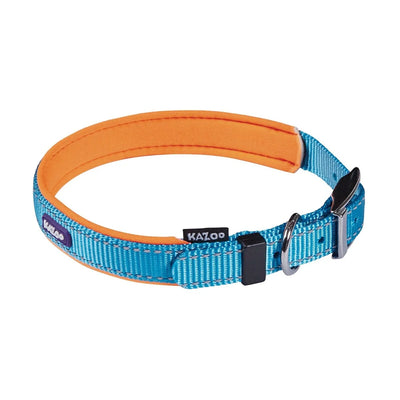
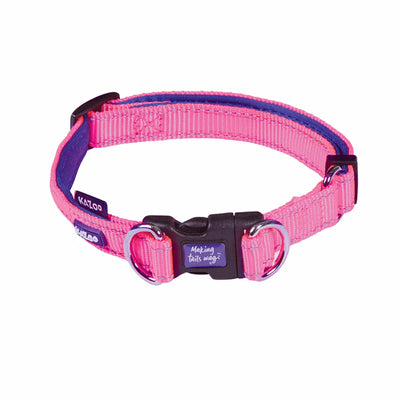
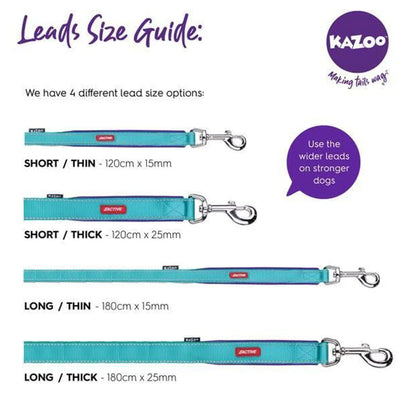
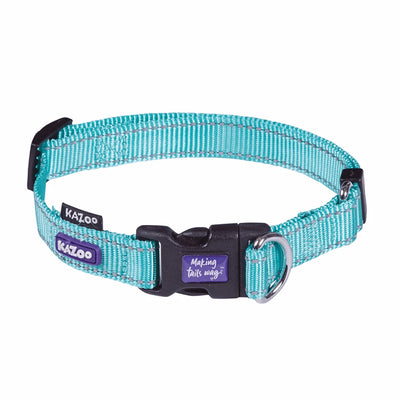
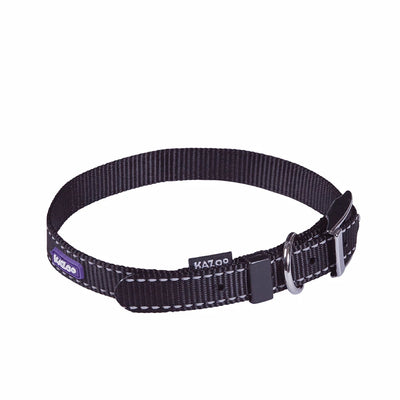
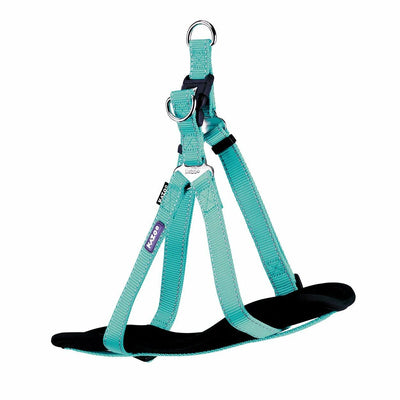
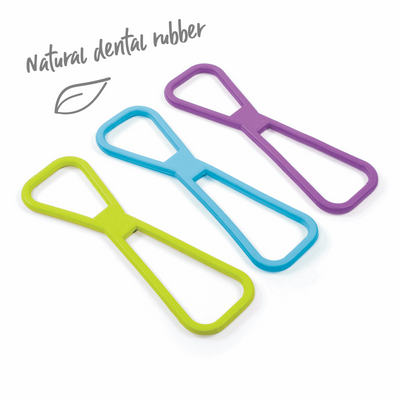
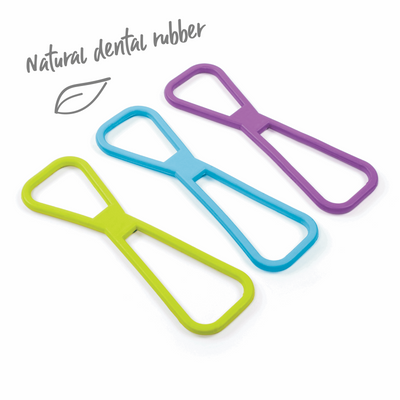
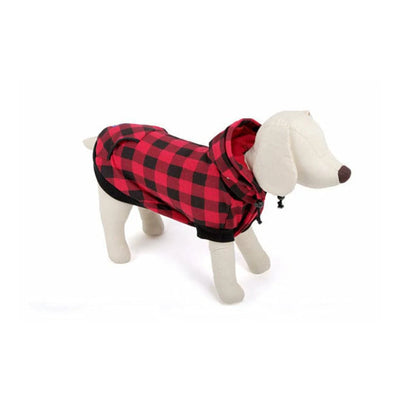
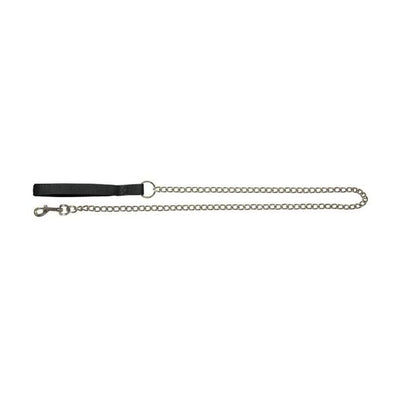
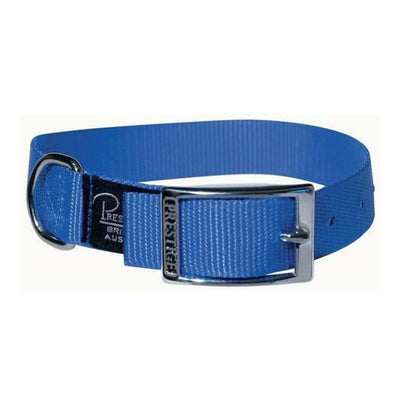
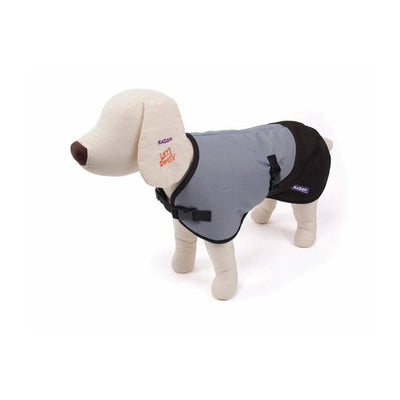
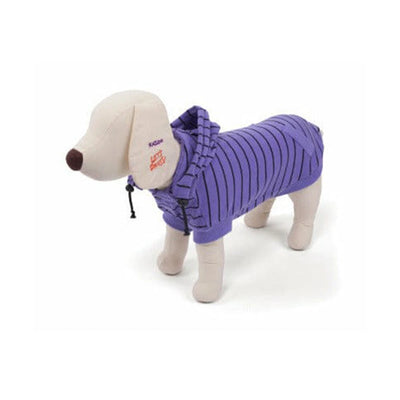
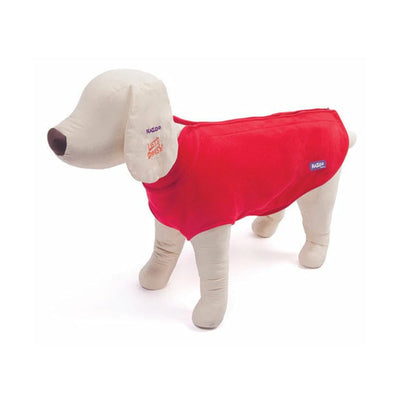
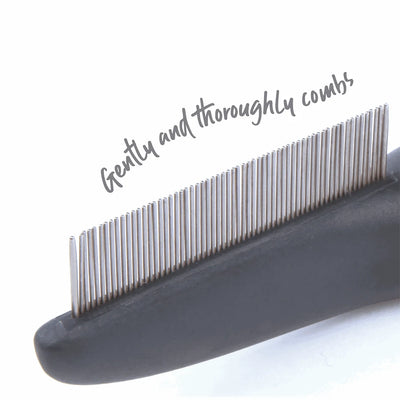
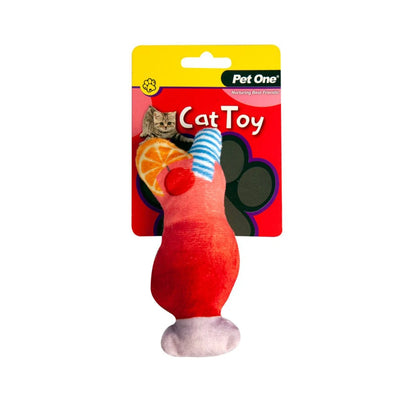
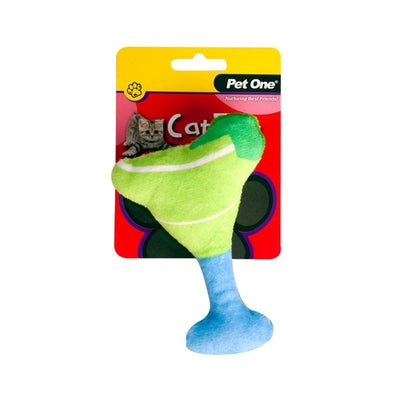
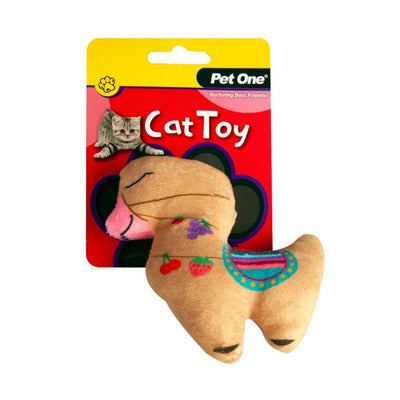
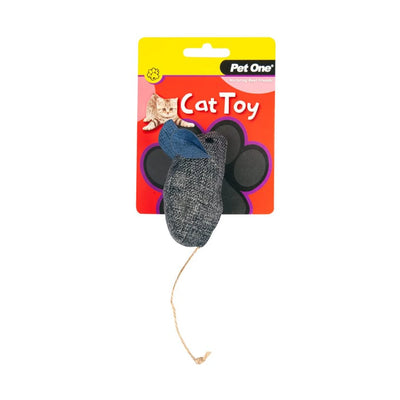
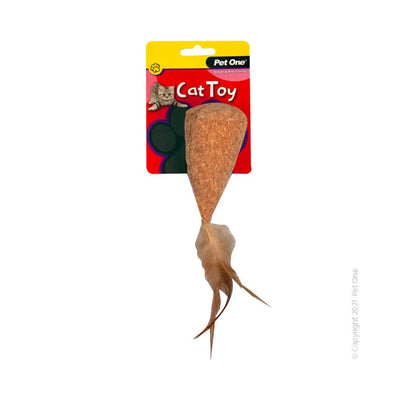
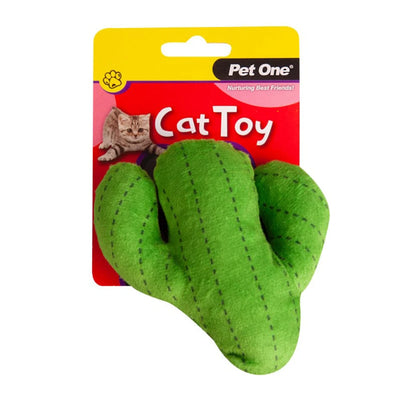
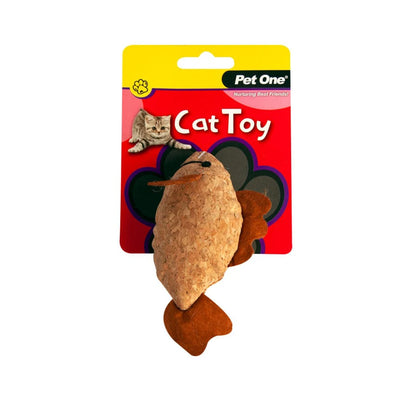
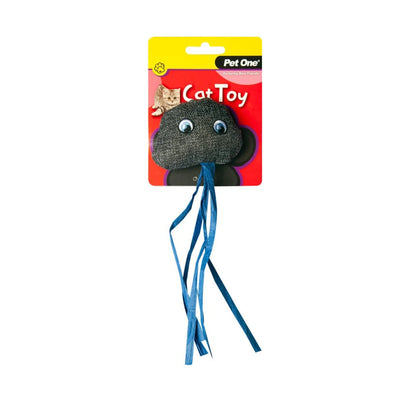
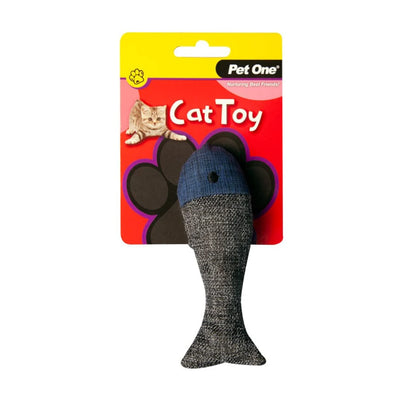
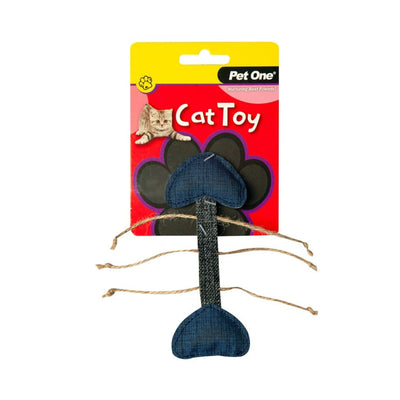
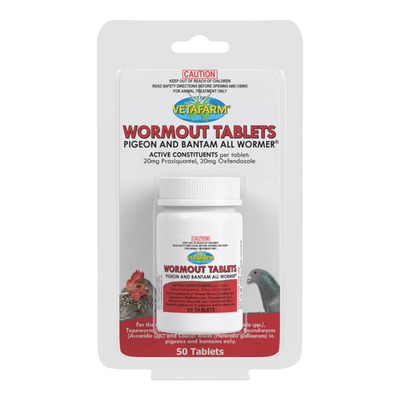
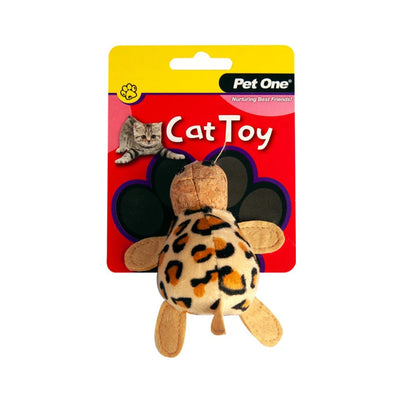
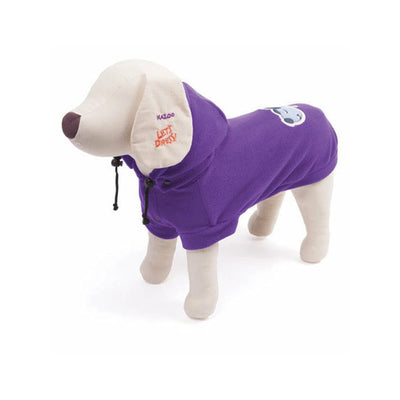
Who doesn’t love a good deal?! Check out what items we have on sale this week. We like to have rotating sales for brands regularly, so keep an eye out by checking back each week or signing up for The Flock House, our weekly newsletter!